
Portsmouth City Jail Warrant Confirmation
The Sheriff's FAQ is the clearest local answer for a person asking about an outstanding warrant. It says the possible subject must come to Portsmouth City Jail and only that person may inquire. There is no Sheriff name-search form or public warrant roster. The public number, 757-391-3177, is a contact for current directions and jail matters, not a promise of phone confirmation.
Read the Sheriff's FAQ before traveling. It does not list an inquiry fee, public counter hours, or a guarantee that asking about a warrant will avoid booking.
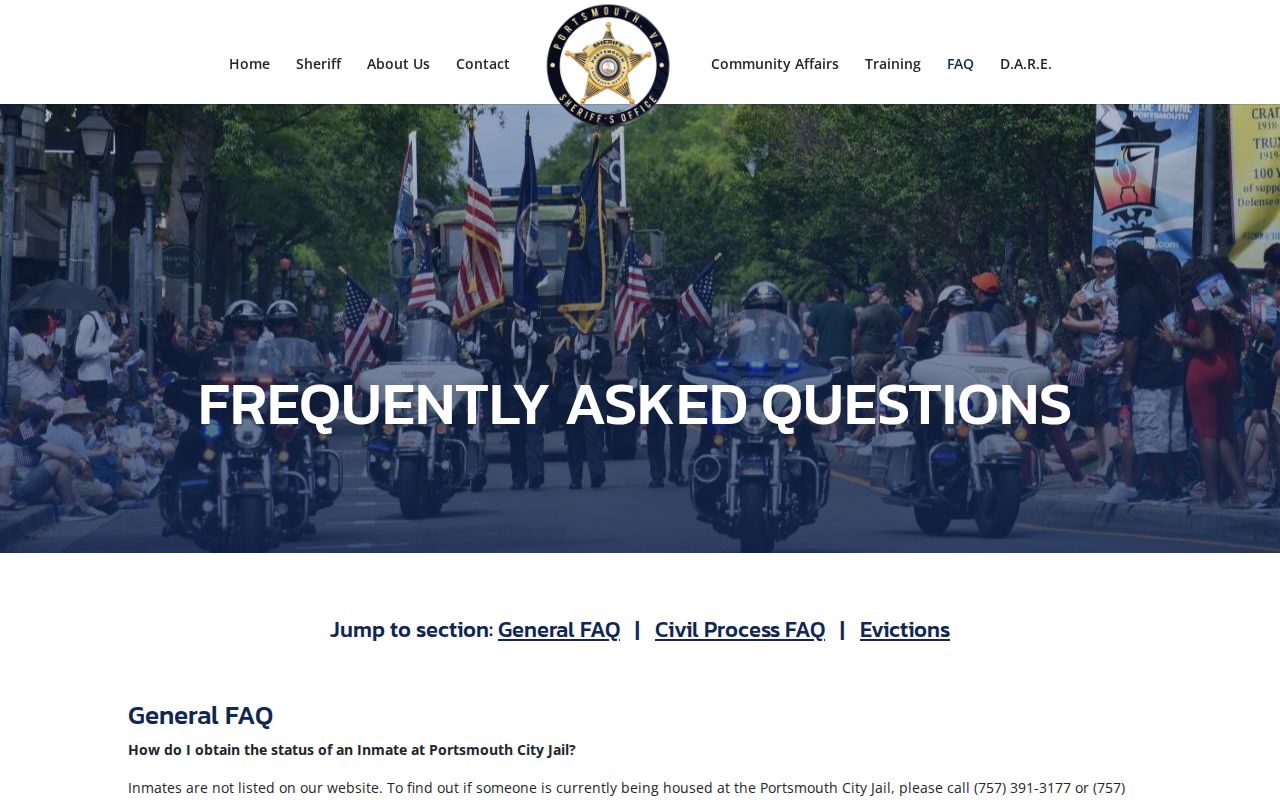
Use the City Jail instruction only for the person who may have the warrant.
Searching for a Warrant in Portsmouth City
Start with the Virginia case portal if a case number, summons, or hearing date is available. Select Portsmouth General District Court for adult traffic, misdemeanor, city-docket, or preliminary-hearing matters. Circuit holds felony trial records; JDR handles juvenile and family matters with access limits. Search the locality printed on the court paper, since the GDC system searches one court at a time.
The court search can help locate a file, but the Sheriff's subject-only City Jail inquiry is the local route for outstanding-warrant status. Use the right clerk for the case, and do not treat an arrest report or a payment result as a current warrant confirmation.
- Select Portsmouth GDC, Circuit, or JDR according to the case type and document.
- Search by the summons name, case number, or hearing date; use middle name when it appears on the paper.
- Ask the matching clerk about a process entry or next setting if the portal is unclear.
- For an outstanding-warrant inquiry, follow the Sheriff's in-person City Jail rule.
- Use JustFOIA for an existing agency record and counsel for advice about a specific case.
Portsmouth GDC Warrant Search Fields
The GDC portal begins with a court selection, then offers name, case-number, and hearing-date routes. Its results can include case details, service or process entries, and reports when information has been entered. The public help does not confirm partial-match behavior or a warrant-only filter.
| Field | Type | Use | Limit |
|---|---|---|---|
| Court/locality | Selector | Choose Portsmouth GDC | One court at a time |
| Last / first / middle | Name search | Use summons spelling | Partial match not confirmed |
| Case number | Text search | Enter the number on court papers | Format varies by case |
| Hearing date | Date search | Find a scheduled court event | Not a warrant status field |
| Case Details | Result link | Review entered case activity | Data may be delayed or restricted |
| Service / Process | Result route | Look for process entries | No public status-code legend |
Portsmouth Warrant Search Fields Explained
Enter the name in last, first, middle order as it appears on a summons or court document. A case number is the strongest way to separate people with similar names; a hearing date can help locate the correct event. The portal's public instructions do not describe wildcards or every matching rule, so do not assume a partial name search is complete.
| Field Label | Type | Required | Notes |
|---|---|---|---|
| Last name | Text | For name route | Use spelling on summons; partial matching is not confirmed. |
| First name | Text | For name route | Enter as recorded by the court. |
| Middle name | Text | Optional or unspecified | Can help distinguish a common name. |
| Case number | Text | For case-number route | Use the identifier from the court paper. |
| Hearing date | Date | For date route | Finds a court event, not a current warrant flag. |
| Court/locality | Selector | Choose Portsmouth GDC | Other courts require separate searches. |
Portsmouth Warrant Search Results Can Be Blank
A blank result does not prove there is no process. Check whether the locality is correct, try the spelling from the summons, and use a case number or hearing date if available. A felony may have both a GDC preliminary record and a later Circuit file; JDR records may be limited or confidential. A new entry may not yet appear online.
Portsmouth has no public full-warrant roster to use as a second name search. If the issue is an outstanding warrant, follow the Sheriff's FAQ. If it is a case question, call the issuing clerk and ask what record or hearing is current.
What a Portsmouth Warrant Search Shows
A matched court result may show a party, charge, case type, hearing date, and process or service event. The exact fields depend on the court and what has been entered. No Portsmouth public page provides a complete warrant status-code table, standard warrant-number format, or guaranteed current status view.
| Number | Use the court case number No standard Portsmouth warrant format was published. |
|---|---|
| Charge / reason | The offense or court obligation tied to the process. |
| Issuing court | GDC, Circuit, or JDR; confirm the file with its clerk. |
| Hearing / return | A date or service event may appear if entered. |
| Status | No public Portsmouth status-code glossary was located. |
Portsmouth OCIS Is Not a Warrant Register
The statewide case system is an entry point for covered court records, not a public VCIN or e-warrant search. Its coverage varies by court and record type. Sealed, juvenile, confidential, recent, or investigative material can be absent, and a process entry may not show whether it remains active.
Virginia's OCIS portal can help locate a case. Confirm the event with the issuing clerk or use the Sheriff's City Jail instruction for an outstanding-warrant question.
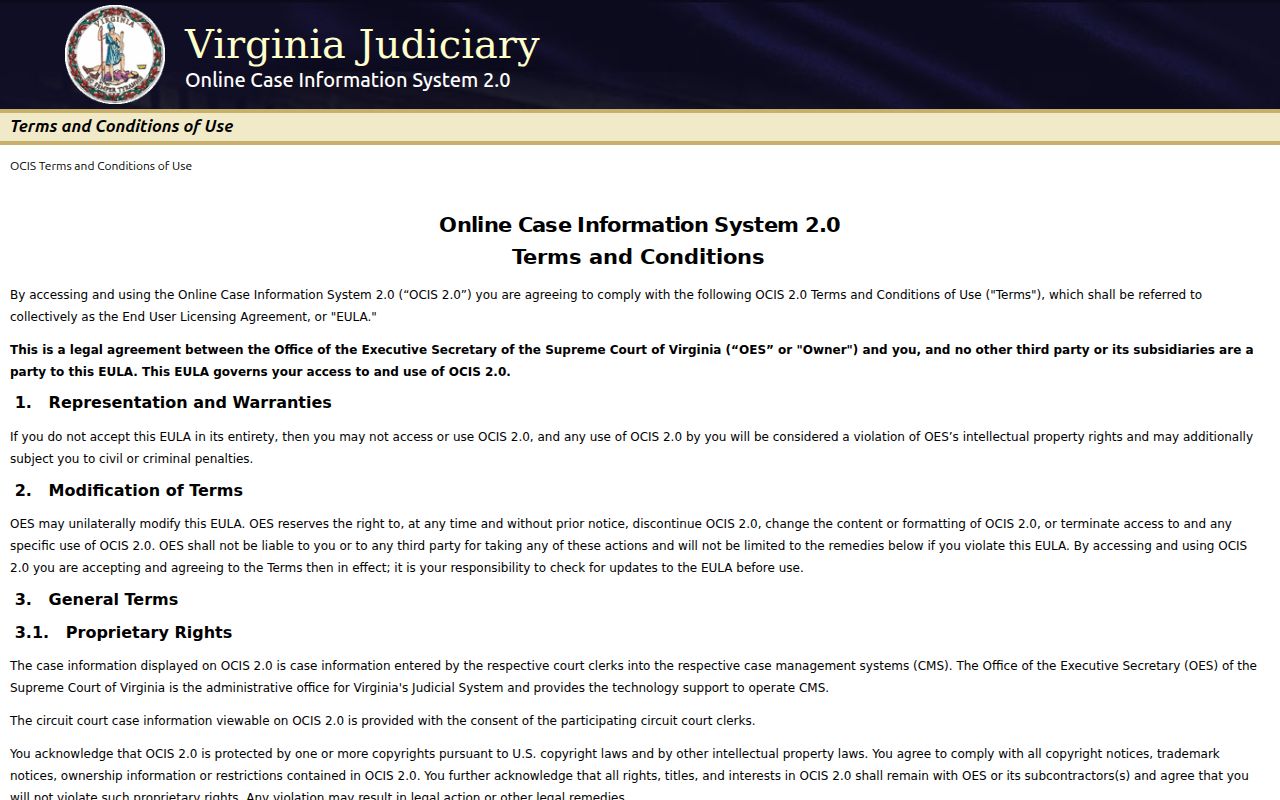
The portal is useful for case leads, but it does not certify a current warrant status.
Where to Check Warrants in Portsmouth City
GDC, Circuit, and JDR clerks answer questions about the court case and process in their own division. The Sheriff's Office handles local service, custody, and jail records. Portsmouth Police arrest and incident searches describe recent police activity, not every court warrant. These channels do not combine into one public roster.
For adult traffic, misdemeanor, or city-docket cases, start with GDC. A felony trial record routes to Circuit. Juvenile or family matters route to JDR, subject to privacy rules. Use the court written on the paperwork rather than assuming a statewide portal covers every category.
Portsmouth Arrest Search vs Warrant Search
PPD's arrest interface covers a recent date window, while its incident search has its own fields and limits. Those pages can help explain a recent police event, but an arrest record is not the underlying warrant, and a missing arrest result says nothing about older or unserved process.
Use the Portsmouth Police Department resources for arrest or incident context. Use a court clerk for process and the Sheriff for the official outstanding-warrant inquiry. Keep each source tied to the question it can answer.
Portsmouth Restricted Warrant Access Rules
Virginia public-records law has limits. Juvenile court records are not an ordinary public lookup, and investigative records can be withheld or redacted. Search warrants have their own publication timing after execution or 15 days, subject to temporary sealing. Those rules do not create a live arrest-warrant search.
Key Rules:
Va. Code § 2.2-3706 permits limits on criminal-investigative records.
Va. Code § 16.1-305 restricts access to juvenile court files.
Va. Code § 19.2-54 addresses search-warrant records after execution and temporary sealing.
Requesting Existing Portsmouth Warrant Records
City FOIA can be used to ask for an existing policy, service record, or non-identifying report. It cannot require Portsmouth to build a new warrant database. Describe the records and date range, and request an estimate if cost matters. Current rights material gives a five-working-day response framework, with possible exemptions, redactions, actual-cost charges, or a no-record response.
The City JustFOIA portal is the public entry point for agency records. Ask the court clerk for a court file; ask the Sheriff about service or booking. A FOIA response is not a certificate that no warrant exists.
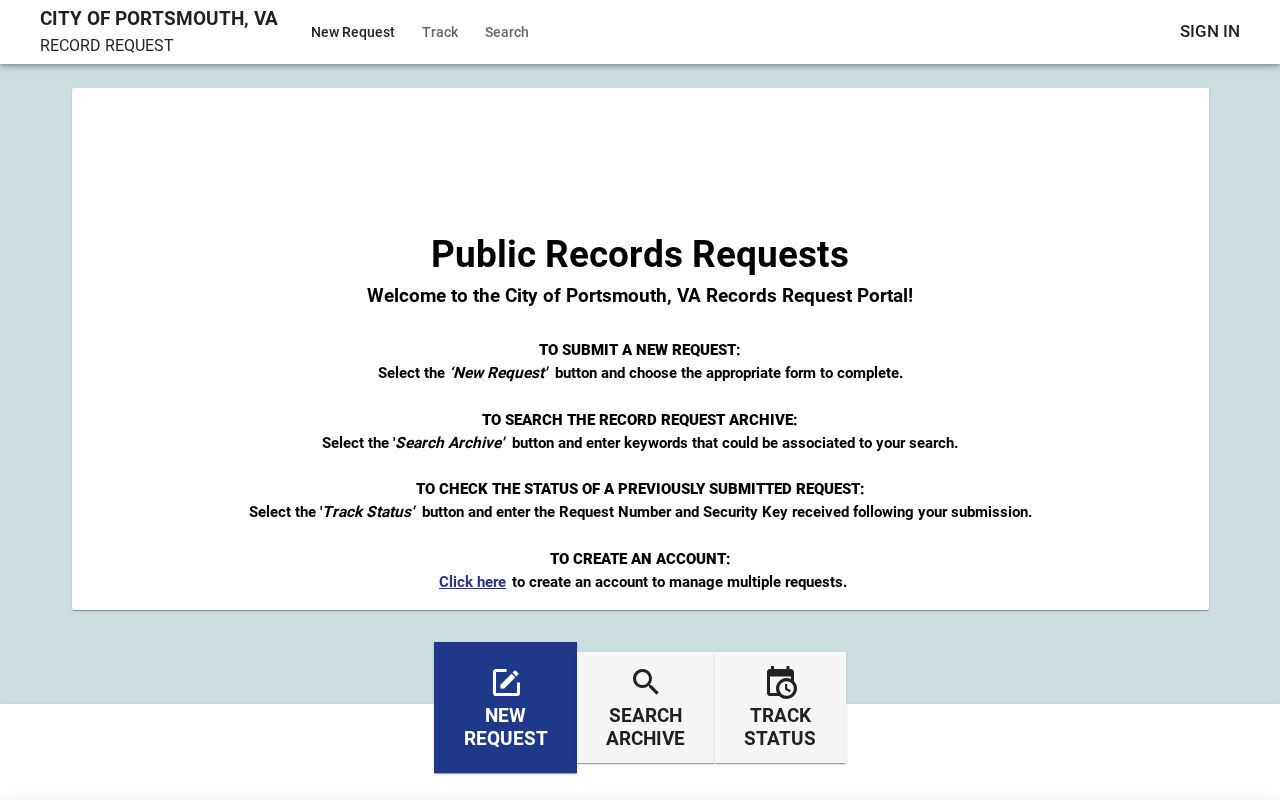
The portal landing page does not expose stable form fields in text inspection, so use the live prompts.